


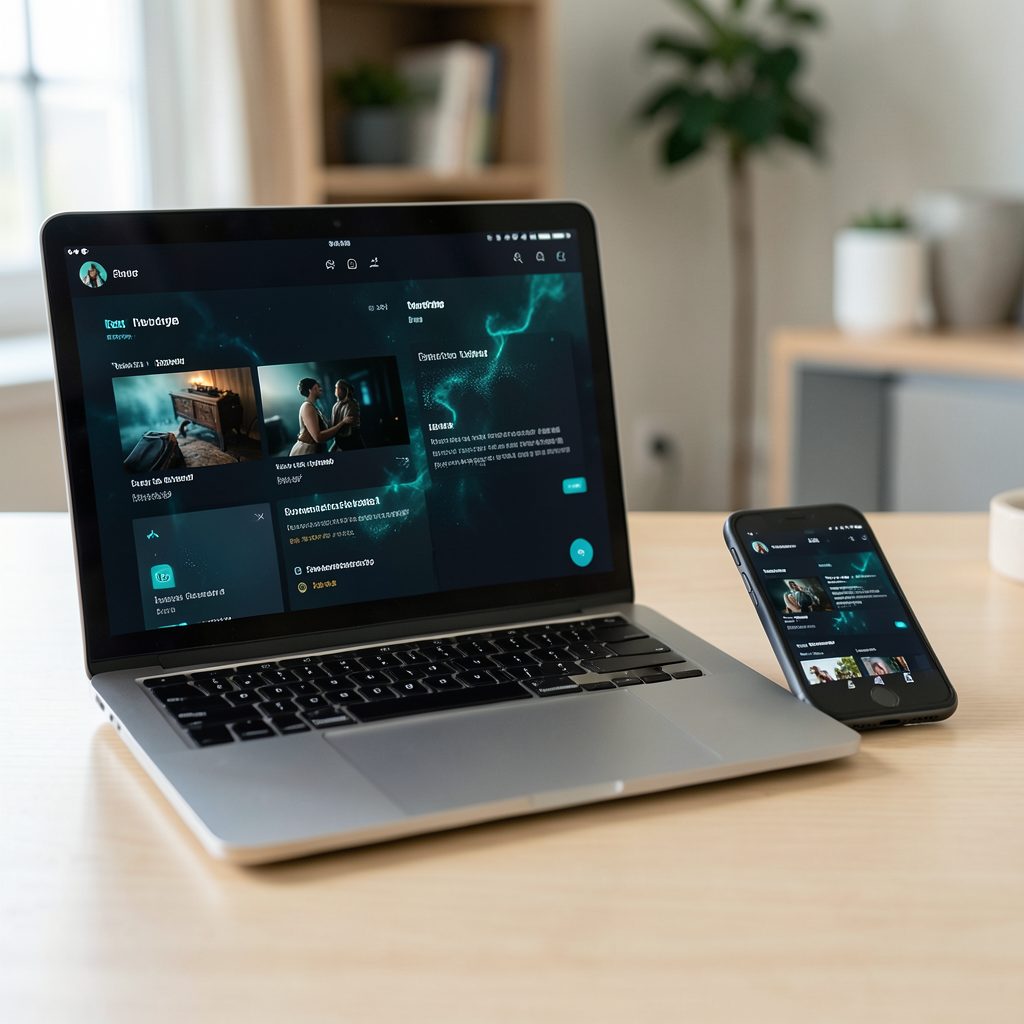
Weekend movies sorted with Popcorn Time favourites
Popcorn Time’s Favorites tab is the quickest way to turn a good browsing session into a ready-made weekend watchlist. Search for a film or series, save it with the heart, star or bookmark control, and return to it later without having to remember the title. Menu labels vary between maintained forks, but the saving action usually sits near the title information or playback controls.
The habit fits Australian weekends neatly. Friday arvo is often when people decide what to watch, whether they are at home in Sydney, waiting out Melbourne’s changeable weather, or escaping Brisbane’s afternoon heat. A shortlist makes it easy to compare runtimes before settling in, while public holidays and school holidays can stretch one free evening into a proper mini-marathon.
It also helps in a crowded local viewing market. Stan, Binge, Netflix, Foxtel through Binge and the free ABC iview catalogue all compete for attention, so a compact set of saved titles prevents a familiar case of “I’ll just keep browsing”. Keeping separate shortlists by service, even as simple notes beside the app, makes a shared device easier to navigate.
Start with three or four choices rather than an endless collection. Include one familiar film, one new release and one longer series, then add a short episode as a flexible option. The result is easier to manage, kinder to a mobile-data allowance and more realistic over a long weekend than twenty vague possibilities.
Save titles as you browse
Open Popcorn Time on a platform supported by the fork you installed and use its search field to look up a title. Typing a few words is usually faster than scrolling through menus, especially when checking an Australian title with an unusual spelling. Results may include films, series, seasons or matching names from different years, so check the artwork and release year before saving.
When the right result appears, open its information panel and look for a heart, star or bookmark icon. Some versions place it beside the magnet or casting control; others use a small plus symbol that changes to a filled icon when selected. Hover over or long-press the control if the labels are unclear. The icon should become highlighted, giving you a visual check that the title has been stored.
Find the Favorites entry in the sidebar or menu; its Australian spelling may be “Favourites” in a fork that localises the interface. Your saved titles should appear as a simple list with artwork. Some forks provide extra sorting or filtering controls, while others offer only basic add and remove actions. A favourite is a saved reference, not necessarily a downloaded file or an automatic playback queue, so remove unavailable entries and add suitable replacements.
Shape the list around your weekend
Recommendations can fill a gap when everyone has already picked the obvious blockbuster. The recommendation engine guide explains how ratings, viewed titles and genre preferences can shape suggestions in different builds. Treat its output as a discovery tool rather than a final decision: save a promising title, check its running time, and make sure it suits the mood of the weekend.
Give each saved item a role. Plan a quick comedy for the opener, a two-hour feature for the middle and a familiar series near the end when everyone is tired. If your fork supports lists, notes or sorting, use those features; if it does not, keep a tiny note beside the app with the same order. This is handy when several people add choices from the same couch.
Series need particular care because a favourite may refer to the programme, a season or a specific episode depending on the fork. Open the entry and test that it reaches the expected screen before relying on it for the main feature. For anything unavailable through your chosen authorised service, check ABC iview, Stan, Binge, Netflix or another licensed Australian option rather than assuming a saved torrent is the only route.
Move from favourites to the big screen
A watchlist becomes more useful when the viewing party can share the screen without fighting over the remote. If friends want to watch different things at once, the multi-device streaming guide sets out common combinations of computers, phones, televisions and separate playback sessions. Simultaneous viewing usually means separate streams or downloads, not one playback window shared by everyone.
Chromecast and AirPlay are the two paths most Australian households are likely to recognise. A compatible sender sends video to a Chromecast or Google TV device, while AirPlay sends it to an Apple TV or supported television. Popcorn Time forks differ: some expose casting in the player, while others support only screen mirroring. A missing cast button means the build cannot cast directly, and an unsupported video format may also limit mirroring.
Connection planning matters because Australian homes often rely on NBN broadband, but mobile data can be capped or expensive outside the city. Several hours of HD or 4K can use several gigabytes, so casting over Wi-Fi is sensible when streaming away from home. Remote viewers in regional areas may have slower fixed connections, making it wise to test the stream before everyone gathers.
Keep viewing private and lawful
The legal boundary is separate from the convenience of the interface. Popcorn Time is software, but downloading or sharing unauthorised copies of protected films may breach the Copyright Act 1968. Use the application only with material you own or have permission to access. When availability is uncertain, an authorised service is the safer choice, and a VPN cannot convert an unauthorised copy into licensed content.
A VPN can encrypt traffic between your device and its server and may reduce what an internet provider can see, but it does not make unlawful downloading lawful or make a provider automatically trustworthy. Before choosing a service, review its logging policy, jurisdiction, supported platforms and kill-switch options. The HappyMults privacy details offer a starting point for comparing those points, although users should still read the current policy for themselves.
Practical security also includes installing a maintained fork from its verified project page, updating it regularly and refusing unsigned “quick fix” builds. Torrent activity can reveal an IP address, and some clients continue uploading after playback; check the upload and seeding controls and stop unnecessary sharing where the software allows. Run reputable anti-malware software, keep downloads in a controlled folder and never execute an unfamiliar file simply because it appeared in the player.
Turn the shortlist into a viewing plan
Open the app, clear the previous search and build the list in order of preference. Save the opener first, add a feature with enough time for the main feature, and keep one shorter episode as the backup when attention spans fade. Confirm that every favourite still opens, then remove any dead link before the weekend starts.
For a public-holiday weekend, reserve the freshest title for Saturday night rather than Friday night. If rain closes the Melbourne barbecue, promote the comedy; if Brisbane is too hot for the patio, move the long film to the air-conditioned evening slot. It is worth chucking in one Australian documentary or local release, but check its legal availability wherever possible.
Open Popcorn Time, save three titles now, and give them a viewing order. Add one licensed option from your usual Australian service, keep the list visible for whoever is organising the weekend, and press play when the first title is ready.