


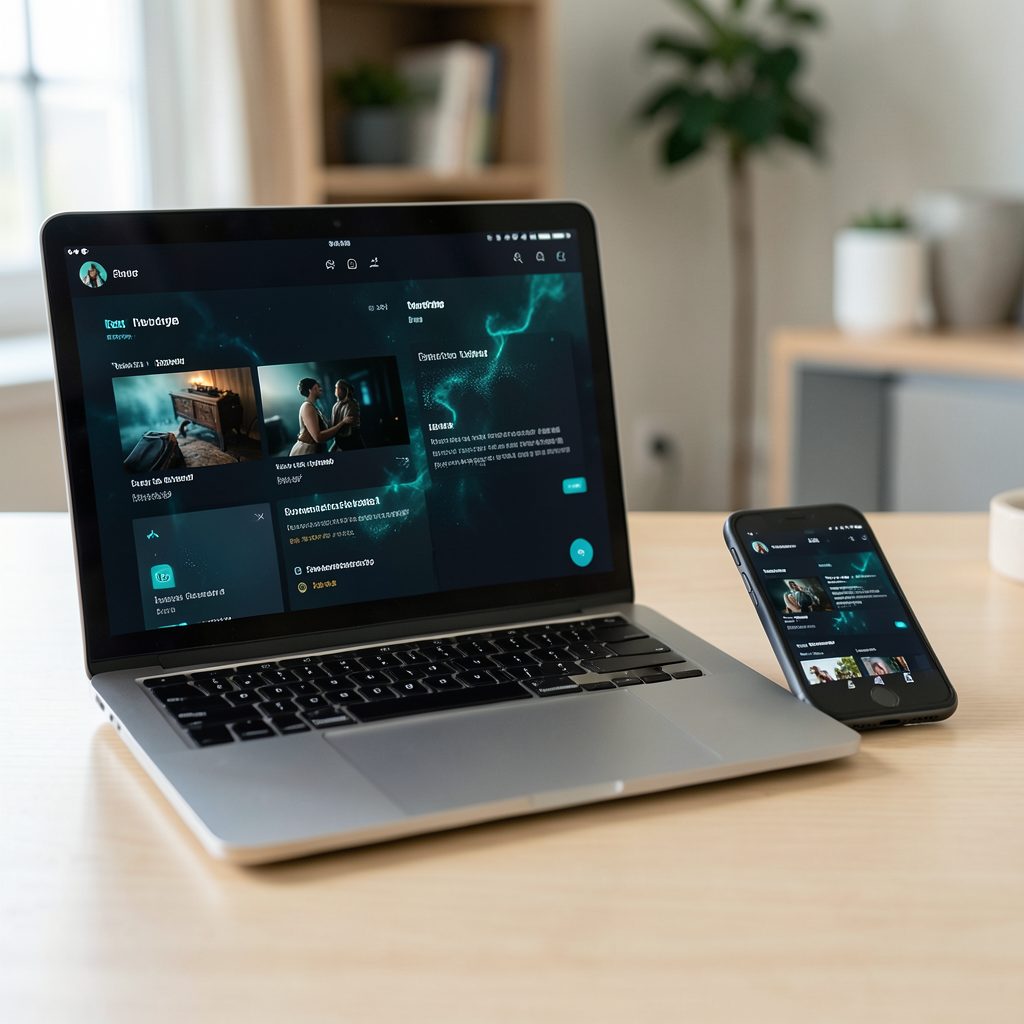
Popcorn Time vs Kodi: a practical Australian comparison
The popular question of Popcorn Time vs Kodi with torrent addons comes down to two very different designs. Popcorn Time is a focused client that searches torrent providers and plays what it finds. Kodi is an open-source media centre whose playback features come from add-ons, skins and configuration. Comparing the names alone can hide important differences in setup, reliability, casting, privacy and legal risk.
For Australian viewers, the comparison should begin with licensed services rather than assume a torrent workflow is necessary. Netflix, Disney+, Stan, Binge, Kayo, ABC iview, SBS On Demand and Foxtel’s streaming products already cover many films, dramas and sport, with catalogues shaped by Australian licensing. These services generally offer predictable quality, account controls and customer support, making them the sensible default for most households.
Local conditions matter, too. A household on an NBN connection in Sydney, Melbourne, Brisbane or Perth has different bandwidth and device options from a property using fixed wireless or satellite in regional Australia, where data limits and evening speeds can affect 4K streaming. Chromecast is built into many smart TVs, while Foxtel Hub and Fetch TV devices remain familiar in Australian living rooms. Kodi runs happily across those screens; Popcorn Time support depends on the platform and fork.
Everyday language reflects how content fits into Australian life: an arvo film, a footy match or a night of bingewatching after work. Against that backdrop, the useful comparison is not simply which application has more titles. It is which one finds the sources you may lawfully access, plays them on your equipment and needs the least maintenance.
Installation and setup
Popcorn Time installation is usually a smaller decision than Kodi configuration. Common desktop builds target Windows, macOS and Linux, while Android and iOS options vary by fork and distribution method. Download the project you intend to use from its maintained release channel, verify any published checksum and avoid old mirrors that bundle outdated utilities. On a Windows PC, allow enough disk space for the application and its temporary downloads.
Kodi starts as a general media player and becomes what the user makes it. Official builds cover desktop systems, Android, Fire TV and Raspberry Pi, while iOS access depends on the current distribution route and has tighter add-on restrictions. Installing an add-on can be as simple as choosing it from Kodi’s own repository or as involved as adding a third-party repository. That flexibility also raises the setup burden.
For a plug-and-play torrent experience, Popcorn Time generally wins on initial simplicity: a provider list, search and playback are close at hand. Kodi wins when you want local files alongside add-ons, detailed subtitles, remote controls or a media library. Before installing either, check codec support, available disk space, your television connection and whether the provider or add-on you want is maintained.
Content discovery and sources
Content discovery is where the practical difference becomes clearest. Popcorn Time sends a title search to its configured provider index, receives torrent metadata and presents the best matches with quality labels. The catalogue changes with provider availability rather than following a stable editorial catalogue. A popular title can have several releases with different sizes, subtitles or languages, and a result that looks ideal may have few active peers.
Kodi’s catalogue depends on the add-ons installed. Some retrieve official artwork and data from legitimate services; others scrape websites or query torrent indexes. You can combine those sources with a local library of downloaded films, music and photographs. This makes Kodi excellent for a mixed household, but it also means two people can have the same add-on installed and see different menus, filters or dead links.
For quick searching across one torrent ecosystem, Popcorn Time is more consistent and less fiddly. Kodi is stronger for fine-grained organisation, custom repositories and source switching. In practical terms, test the same title in both: Popcorn Time may surface a better release in seconds, whereas Kodi can provide more information and controls once its source has loaded.
Playback and everyday usability
Playback behaves differently under the hood. Popcorn Time streams while the torrent downloads in sequence, so initial buffering can depend on seed availability and the chosen release. Once cached, playback may be smooth, although a provider’s preferred resolution does not guarantee that the device can decode 4K HEVC, modern audio or every subtitle format. The interface is deliberately streamlined, with fewer reasons to adjust settings.
Kodi plays local media with excellent reliability and gives add-on developers more control over buffers, subtitles, audio tracks and external players. With a carefully configured network and suitable hardware, it can handle multiple formats and resolutions. A Raspberry Pi or older Android box may need transcoding or lower-bitstream files, while a recent laptop or smart television can decode the source directly.
On Australian connections, the difference often comes down to file size and the household’s data plan. Fibre-to-the-home NBN users generally have room for high-bitrate releases, but fixed-wireless and satellite users may pay for capped data or encounter slower evening throughput. Neither application makes an unauthorised copy lawful, yet authorised add-ons and personal media can still fail if the chosen quality exceeds what the network or hardware can sustain.
Casting and multi-device viewing
Casting is a major practical separator. Popcorn Time builds with Chromecast support can send playback to a compatible television, but the route differs between versions: some cast a local stream, while others ask the television to fetch a network source. Both require the computer and television to share a reachable network. Support for AirPlay is less dependable because it depends on the local player and on whether the stream carries commercial digital-rights controls.
Kodi has a longer-established casting ecosystem. Its Chromecast and AirPlay options, together with add-ons that turn a phone or tablet into a remote, can suit multi-device households. Local films can be sent to a television, and a Kodi device in another room can act as the player. Add-on developers can also decide whether a stream is cast directly or rendered locally, affecting startup time and picture quality.
Australian homes often encounter these needs through a Chromecast-equipped smart TV, a Foxtel Hub or a Fetch TV box rather than a dedicated streaming dongle. If the television is the only always-on device, direct casting is convenient; if children or flatmates use separate profiles, separate playback devices may be easier. Test both casting and local playback before settling, because a large catalogue does not compensate for a television that cannot display the selected stream.
Privacy, maintenance and control
Privacy requires distinguishing the software from the network it uses. A Popcorn Time provider can see the user’s IP address and search requests, torrent peers can see the user’s address while connected, and an internet service provider can observe connection metadata. A VPN may conceal some of that traffic from the local ISP, but it does not hide the user from a provider or every peer and does not change copyright obligations.
Kodi’s core is open source and its network behaviour can be inspected more easily, but an installed add-on is a separate piece of software with its own maintainer, requests and permissions. Popular add-ons may fetch artwork, guides or streams from remote servers. Kodi therefore gives greater control, although control also means the user has to decide which repositories and permissions deserve trust.
Maintenance patterns differ too. Popcorn Time has fewer moving parts, but a provider can disappear, a fork can stop updating and an application update can reset configuration. Kodi add-ons can fail when a website changes, although its wider community offers workarounds. Keep backups of configuration, remove abandoned add-ons and update from known sources rather than enabling an unknown script simply to restore one menu.
Legal and security considerations
The legal distinction is straightforward: using an open-source media player is not the same as obtaining or sharing unauthorised copyrighted material. Under Australian copyright law, downloading, streaming or facilitating the sharing of a protected work without permission may infringe rights, even if no copy is kept after viewing. Jurisdiction and specific conduct matter, so this is general information rather than legal advice, and personal use does not create a general exception for every torrent.
Copyright owners in Australia use litigation, settlement campaigns and takedown processes, while service providers can be required to act on legal notices or court orders. A VPN does not make infringing conduct lawful and can shift rather than remove trust concerns. If a source is uncertain, check whether the copyright holder or an authorised distributor permits access, and prefer services that clearly publish licensing terms.
Security and legality overlap in practice. A torrent may advertise one release and deliver another executable, while a Kodi add-on may run scripts with broad access to files or network services. Popcorn Time’s narrower design reduces the number of plug-in permissions, but torrent content still carries risk. Kodi’s larger add-on ecosystem gives more choice and more ways to install untrusted code. Use maintained releases, scan files, avoid all-access permissions and never run an add-on solely because it appeared in a pop-up.
Which option fits Australian viewers
For most Australian households, Kodi with lawful add-ons is the more flexible and maintainable choice. It can combine licensed streaming services, local media, IPTV and a carefully selected video add-on while remaining useful if one provider changes. It is particularly attractive on a Raspberry Pi, Android box, Fire TV or family PC where media files and multiple add-ons already live.
Popcorn Time is the better fit for someone who wants a single-purpose torrent client, dislikes Kodi’s menus and wants provider search presented in one clean screen. Its setup may be shorter, but its value depends more heavily on the health of external providers and the availability of a trustworthy release. A Kodi installation can achieve a similar result with more configuration, giving power users room to tune sources and playback.
A fair dinkum comparison comes down to five checks: Are the sources authorised? Does the app run on your actual device? Can your NBN or regional connection sustain the chosen quality? Does casting work with your television and remote? And can you maintain the configuration without repeated work? If the answers favour simplicity, choose Popcorn Time; if they favour control and mixed media, choose Kodi.
For a focused torrent workflow, review the latest platform list and installation notes in the download and setup guide, then install only the maintained build that matches your device. Confirm that your intended content sources are authorised, test Chromecast or AirPlay on your own network and keep your existing licensed apps available as the dependable option for arvo viewing and footy nights.