
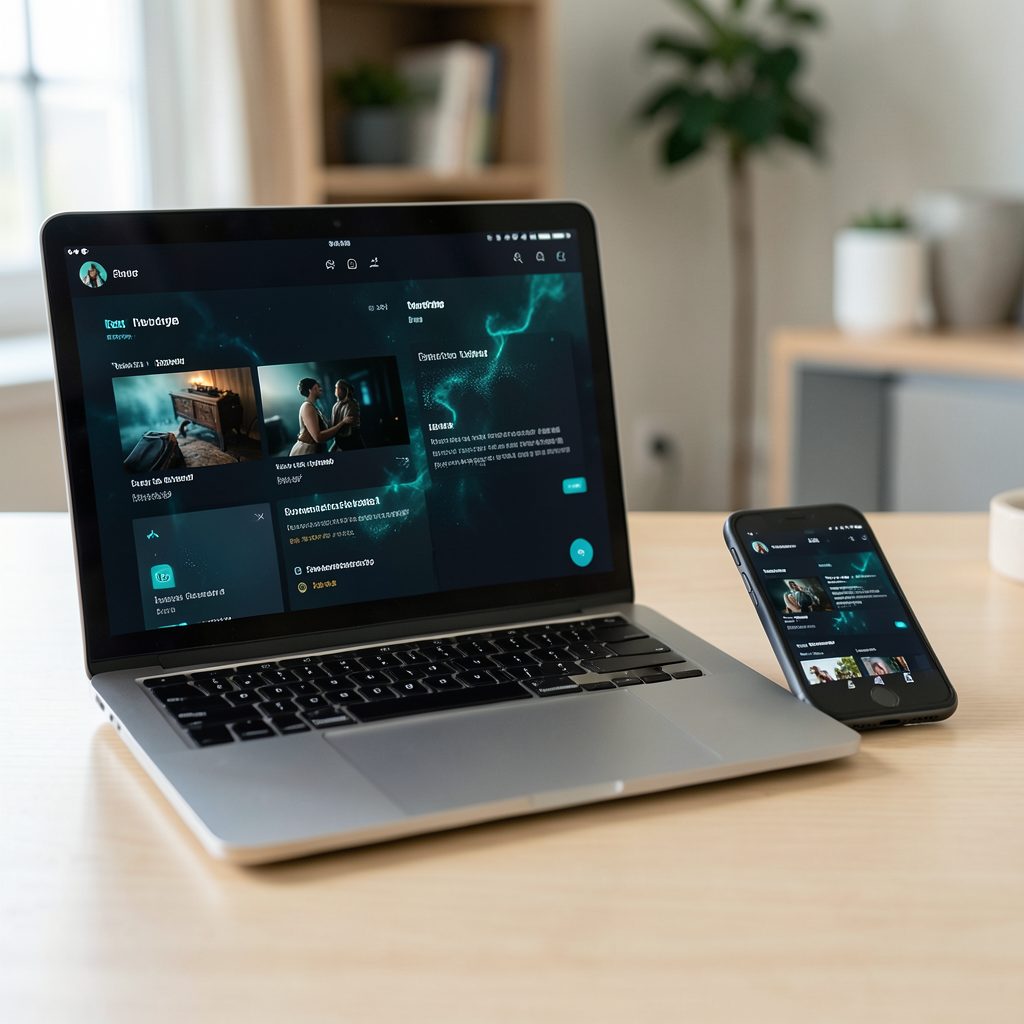
Popcorn Time on a Windows 10 tablet: Touchscreen gestures that work
A Windows 10 tablet can make Popcorn Time feel more like a living-room television than a desktop application, provided its touchscreen, drivers and playback build are configured properly. The useful controls fall into two categories: Windows gestures that operate reliably across applications, and player gestures whose availability depends on the Popcorn Time fork. Treating those categories separately prevents frustrating attempts to pinch, swipe or long-press features that a particular version does not support.
Australian viewers already have plenty of established streaming choices. Netflix, Disney+, Stan, Binge, Paramount+, Foxtel Now and Fetch provide licensed films and television, although catalogues and rights vary by region. Popcorn Time remains relevant to some users as an open-source torrent-streaming front end, but it should not be confused with an authorised catch-up service. Any source material needs to be legally obtained and used in accordance with Australian copyright law.
Touch behaviour also depends on the hardware. Some Windows tablets use a precision touchpad that recognises multi-finger gestures, while others use a basic resistive or capacitive digitiser that mainly supports taps and drags. Even within one device family, stylus support, palm rejection and firmware can differ. Before settling in for an arvo movie session, it is worth checking basic calibration, display scaling and the controls supplied by your chosen Popcorn Time build.
A dependable setup should also account for Australian network conditions. Fixed-line connections commonly use NBN services in cities and many suburbs, while fixed wireless and mobile hotspots provide alternatives in regional areas. Torrenting can consume substantial upload and download data, so an unlimited home connection and a metered mobile plan can behave very differently. The same caution applies when streaming through a VPN: encryption may improve privacy, but it does not make unauthorised distribution lawful.
Prepare the tablet for reliable touch
Start with Windows Update and the tablet manufacturer’s driver software. Touch digitiser drivers are often supplied separately from Windows itself, and an outdated driver can cause missed taps, inverted scrolling or an unresponsive corner of the screen. Restart after installing updates, then open Settings, choose Devices and select Pen & touch to check the calibration tool. Devices with a stylus should also be tested with both a finger and the pen because Windows sometimes assigns different touch settings to each.
Display scaling affects every on-screen control. At a high resolution, Popcorn Time can render tiny buttons that are difficult to hit accurately. Adjust the scale under Settings, Devices and Display until the player controls are comfortably visible without making the interface unnecessarily large. Landscape orientation usually suits a tablet on a sofa or table, but automatic rotation can turn the picture sideways when the device is moved. Locking orientation before playback prevents that interruption.
Download Popcorn Time only from a source you trust and verify the release against the fork’s published information. The Popcorn Time download page provides a useful starting point for locating the appropriate desktop package. Scan the installer with Windows Security, avoid modified “premium” or “activation” editions, and never disable antivirus protection merely to make an installer run. Older forks may contain outdated components, so current Windows updates and a clean application installation are especially important.
Test the gestures before a full film
Popcorn Time versions are community-maintained forks rather than one completely standardised interface. A single tap on a visible button is generally the most dependable action, followed by touching and dragging the progress bar. Swipe, pinch and double-tap behaviour varies more between forks, particularly in full-screen mode. If a player does not respond visibly to a gesture, use its on-screen controls rather than assuming the device is faulty.
The touch actions most worth testing are:
- Tapping Play, Pause, rewind, forward, subtitles, volume or full-screen controls
- Dragging along the seek bar to move through a scene
- Using a vertical volume gesture only when the fork visibly supports it
- Double-tapping the picture for full screen only if the build documents that action
- Pinching to zoom only when a zoom control or clear on-screen response confirms support
Test each action with a short, legally sourced film for at least a minute. Controls may disappear automatically after inactivity, so a touch that appears to do nothing may simply have revealed the control overlay again. Volume changes, subtitle changes and a changed playback position are better signs of recognition than a brief animation.
Windows itself supplies a more consistent set of gestures. An edge swipe from the left opens the application list, while an edge swipe from the right opens Action Center. In full-screen applications, swiping upward from the bottom edge reveals the taskbar. Two-finger scrolling works in applications designed for touch, and double-clicking a title bar maximises or restores a conventional desktop window. These system gestures remain available even when a Popcorn Time fork has limited player-specific gesture support.
A simple calibration test in a browser or Notepad can isolate problems. Draw several lines in different areas of the screen, then scroll a web page with two fingers. If input lands in the wrong place, recalibrate the digitiser and restart. Windows may also display a touch indicator when a finger lands on the screen, making it easier to distinguish an inaccurate gesture from an application that simply ignores it.
Make Popcorn Time comfortable to control
A tablet changes the physical relationship with the player. A person holding it can reach every control, but a device left on a cushion can be too far away for small buttons. In that position, moving the player into full screen and enlarging the interface reduces accidental taps. The seek bar is best used with a deliberate drag rather than a quick horizontal swipe, because short movements can skip several minutes.
Subtitles and playback settings should normally be opened through their visible menu icons. Touching a subtitle track, changing playback speed or selecting an audio track is more precise than relying on an undocumented pinch or double-tap. If subtitles are too small, adjust the subtitle size within Popcorn Time before changing the entire Windows display scale. This preserves the readability of the remaining controls.
Casting depends on the chosen build and receiver. Some Popcorn Time forks include Chromecast support, while others require a browser-based remote or offer only basic screen mirroring. AirPlay needs a compatible television or receiver, and Windows wireless display is separate from both. Casting an unauthorised stream can also expose it to additional devices on the network, so the local source and its legality should be considered before beginning playback.
Bluetooth audio can improve the setup without taking control away from the tablet. Connect headphones or a speaker before starting a film, then use the tablet’s volume controls for adjustments. Some forks also expose a local-network remote, allowing a second device to control playback, but that feature should be disabled when it is not needed and never enabled on an untrusted café or hotel network.
Fix touch, playback and streaming faults
When the entire screen stops responding, first restart the Popcorn Time window and then Windows. If the fault continues, test the digitiser in another application. Recalibrate it under Pen & touch, check for a conflicting accessibility or pen utility, and disconnect an external mouse or stylus. A dirty screen protector and moisture around the edge can also create phantom touches, particularly on a device used outdoors in Queensland or Western Australia.
Stuttering is not always a gesture problem. Hardware acceleration, an ageing graphics driver, simultaneous torrent activity and a high-resolution display can all place pressure on an older tablet. Close unused applications, choose a lower stream quality temporarily and pause unrelated downloads. Leaving the tablet out of direct sunlight matters during Australian summer, because heat throttling can reduce performance. A wired connection through a dock is preferable when available, although it should be used only with compatible hardware.
Buffering can arise while the torrent is fetching metadata, while peers are unavailable, or while the stream itself struggles. Changing the Wi-Fi band or restarting the torrent may help with the first two cases, but it cannot solve a slow or capped mobile connection. Cross-check fork-specific advice with the Windows tablet compatibility notes before making broad system changes. A VPN may help with routing or privacy on some networks, but it can also reduce speed, and it provides no exemption from Australian copyright obligations.
If Popcorn Time will not launch, confirm that the fork still supports Windows 10 and inspect its logs or error message. Updating Windows and the graphics driver may resolve missing components. Avoid repeatedly reinstalling the app until you have checked whether the problem is actually a blocked file, an expired certificate or a conflict with third-party security software. A separate Windows user account can help isolate the issue without disturbing the main profile.
Build a legal, portable viewing routine
Australian copyright law applies to downloading and distributing protected material, including films and television episodes streamed through a torrent client. A VPN can conceal some connection details from an internet service provider, but it does not change the legality of the content or guarantee that a provider will not retain records. Licensed streaming services, purchases from legitimate retailers and authorised free-to-air catch-up options remain the safest choices.
Security matters because torrent clients reach out to many unfamiliar peers and can expose the device to misleading files or unwanted software. Keep Windows and the chosen fork updated, use a standard user account rather than an administrator account for viewing, and avoid entering payment details into unofficial Popcorn Time extensions. Downloaded files should be scanned, and unfamiliar subtitles should be treated with the same caution as the video itself.
Portability also depends on planning ahead. A tablet used between Melbourne, Sydney, Brisbane and Perth may rely on a different connection at each stop, and Perth sits two hours behind Sydney during standard time. Download authorised content for offline use where the service permits it, carry a charger suitable for the tablet and avoid assuming that hotel or café Wi-Fi will support sustained torrent traffic. Local licensed services may provide different sports or television rights in each state, so regional availability should be checked before departure.
Run a ten-minute gesture drill now: confirm touch calibration, lock landscape orientation, adjust the player controls, test subtitles and sound, and complete one full-screen playback. Record which gestures your fork supports, save the dependable on-screen buttons as your fallback, and use a licensed catalogue for the next viewing session.