

Popcorn Time on a Smart Fridge: Can It Stream?
A smart refrigerator with a colour touchscreen can be tempting as a kitchen entertainment centre. The short answer is that Popcorn Time itself will rarely run on one. Most built-in screens run a restricted appliance system, and the fridge has no room for a conventional desktop player. Casting may work, but only if the display includes a compatible receiver. Learn more about вебинары по финансовой грамотности для всех.
This distinction matters because Popcorn Time is torrent-based. The software, a torrent client with a streaming interface, does not grant permission to download films or television programmes. In Australia, use it only with public-domain works, openly licensed releases, or torrents explicitly authorised by the copyright holder. An unofficial fork adds another layer of risk, particularly if its download page asks for unrelated credentials.
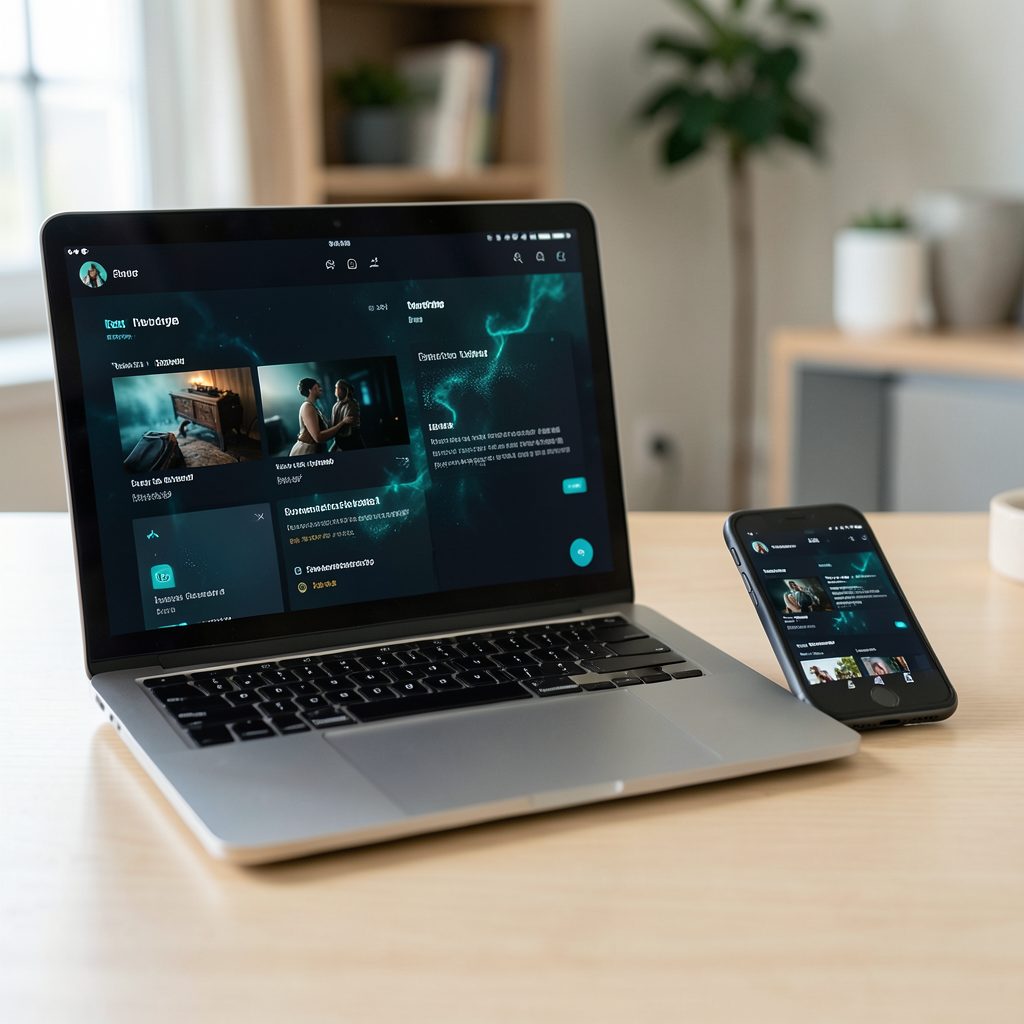
Think of the fridge as a possible television, not a computer. A computer or compatible phone starts the stream, while the fridge screen receives the picture if it supports Chromecast, AirPlay or another compatible protocol. This arrangement can work in a Sydney or Melbourne apartment, but the appliance model, network settings and available casting standard decide the outcome.
You should also separate entertainment from appliance support. A frozen-food display, recipe panel or weather feed is not evidence of general video playback. Before changing any settings, check the manual and manufacturer support pages for your exact model. That avoids unsupported firmware, voided conditions or a fridge that needs more attention than the streaming project deserves.
Check what the fridge screen actually supports
The Australian appliance market includes Samsung, LG, Fisher & Paykel and Electrolux, and some models have touchscreens. Samsung Family Hub and LG InstaView examples can show useful information, yet their video options depend on the model, country and installed software. A YouTube tile on a demonstration video may also be absent from the version in your kitchen.
Look for specific capabilities rather than vague claims about streaming. Check whether the screen accepts Chromecast, supports AirPlay, offers DLNA, or can display video from a USB drive. You may find a built-in YouTube app, a web browser or a proprietary media player instead. Popcorn Time needs either a supported operating system or a receiver that can display its cast output; it cannot create those capabilities on the appliance.
Decide which route fits the appliance. Running the app directly is rarely possible. Mirroring a phone may work if the fridge advertises screen mirroring, while sending a Chromecast stream requires a genuine Chromecast or Google TV receiver. If the manual lists none of these, a small external player connected to another screen is the dependable option.
Build a local connection before casting
Both devices generally need to be on the same home network, with local traffic allowed between them. Australian homes often rely on an NBN or fibre connection through a combined modem and router, and that equipment can separate wireless guests, smart devices and ordinary media devices. Put the fridge and the streaming computer on the main network, or use the same guest network with casting enabled for both.
A phone remote and a cast receiver solve different problems. Popcorn Time’s companion remote can control a compatible desktop player, usually over the local network, and may give you playback buttons without touching the fridge. It does not turn the appliance into a Popcorn Time screen. If the phone must reach the desktop by a local address, internet access may not be required, but the router still needs to permit the connection.
For casting, confirm that the receiver appears in the player’s device list. Chromecast normally requires a supported Google Cast device or Google TV display; AirPlay needs compatible software on both ends; and DLNA support depends on the build and receiver. Many smart fridges connect to Wi-Fi for their own apps but do not expose any of these receiving functions. A screen with a large resolution does not change that.
Configure a lawful streaming source
Install Popcorn Time on a supported computer rather than attempting to sideload it into the fridge’s appliance system. The Time4Popcorn download page provides a desktop release, while forks can differ in update frequency and platform support. Check the operating-system requirements, read the release notes and avoid “mirrors” that bundle extra software. On Windows and macOS, allow the firewall prompt only when you understand which local feature needs access.
Build the watchlist from sources you are allowed to use, such as public-domain films or torrents released by their owners under an open licence. The interface can display many formats, but technical compatibility is not permission to copy. A magnet link or torrent file supplied without the right holder’s approval can still expose you to copyright liability and malicious files.
Once the desktop client is ready, start a permitted item and select its cast control. Choose the fridge only if it appears as a receiver; otherwise, choose a tested Chromecast, Apple TV or other display. Some versions advertise DLNA or AirPlay, but those features must be present in the build you installed and supported by the receiver. Keep the computer awake until playback is established, since the stream depends on the source device.
Follow Australian copyright and privacy rules
The Copyright Act 1968 is the central reference point for unauthorised copying and communication in Australia. Downloading or streaming an infringing movie can create liability even if payment is hidden inside a free catalogue or advertising service. Commercial platforms also use account checks, geographic blocking and enforcement systems. Legal streaming subscriptions offered by Australian services provide a clearer path than locating unauthorised torrents for the same film.
A torrent client can expose more than the content you selected. Public tracker services may log your IP address, and peer connections can expose it to other participants, while unknown forks can collect browsing data or carry unwanted programs. A VPN can change what your internet provider sees, but it does not legalise infringement or automatically conceal your identity from peers. Update the application, use unique account passwords and avoid entering payment details into a source you cannot verify.
Household budgets often make subscription choices more important than another appliance setting. Services such as ABC iview, SBS On Demand, YouTube, Netflix, Disney+, Paramount+ and Stan give Australians lawful options across free advertising-supported viewing and paid catalogues. Prices are normally quoted in Australian dollars and subscriptions may attract GST. General budgeting material, including financial literacy webinars, can help families compare recurring charges before adding another service.
Choose a better way to use the display
The built-in screen may be more valuable for calendars, timers, grocery lists and recipe videos than for full-length features. If its app store includes a legal video service, use that app directly and bypass the torrent workflow. This keeps the experience simple and avoids relying on a desktop that may sleep, update or disconnect while the fridge remains the visible display.
Check the appliance before adding external hardware. Some fridge screens have a dedicated media tablet or an accessible input, while many others have no general-purpose HDMI port. Do not drill into the cabinet, open sealed cooling areas or place a streaming dongle where condensation or heat can reach it. A nearby television, monitor or inexpensive smart display can take the video while the fridge screen continues with kitchen information.
Audio can travel separately. Pair a phone or tablet with a kitchen speaker, soundbar or Bluetooth speaker, then use the fridge display for visual controls where permitted. That creates a flexible multi-device arrangement without modifying the appliance. It also avoids the common disappointment of discovering that a fridge can show a cast device’s menu but cannot play the selected video.
Put the setup into practice safely
Start with the exact model number and its current software version. Update the appliance through the manufacturer’s supported process, review privacy permissions and remove unused network-sharing features. Give the smart appliance a unique Wi-Fi password and, if your router allows it, place connected devices on a separate IoT network. These steps matter because a fridge can remain online for years, often with fewer visible updates than a computer.
Before reinstalling the player or clearing its data, preserve your watchlist and settings. The guide to reinstall Popcorn Time safely covers a rebuild while keeping the list available. After reinstallation, test casting with a short, authorised file before settling in. If the fridge never appears as a receiver, check the manual and manufacturer support rather than changing more router settings; no version of the app can add missing hardware support.
Make the final connection deliberate: use a supported receiver, choose lawful content, keep the streaming computer close to the network and leave the appliance firmware and warranty untouched. If the goal is watching a film in the kitchen, connect a dedicated Chromecast-enabled display or television to the authorised service you already use. If the goal is Popcorn Time specifically, verify the fridge’s casting standard first and use a separate screen when the receiver is absent.