


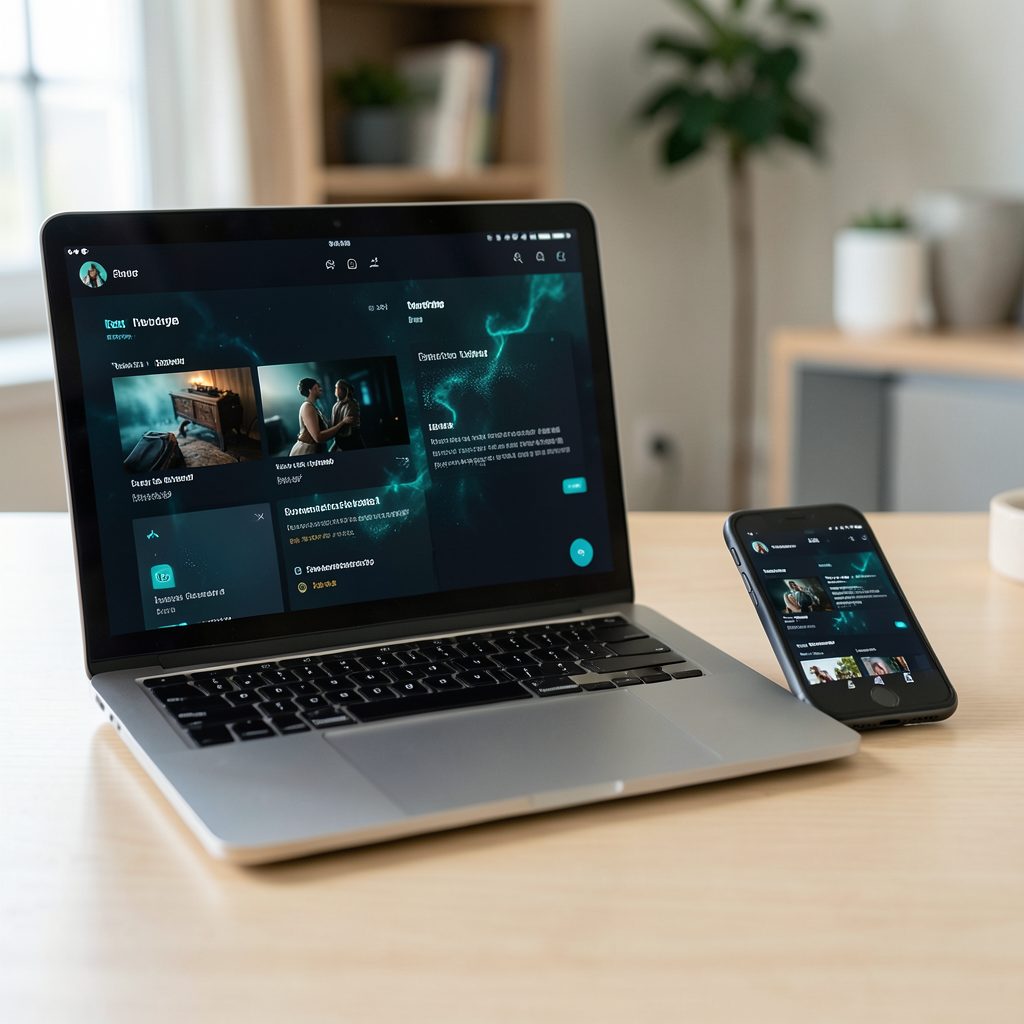
Popcorn Time on a headless home server
Popcorn Time turns BitTorrent activity into a familiar video-library experience, with titles arranged for streaming rather than presented as a list of files. Placing that engine on a headless home server moves the work to a small, always-on machine: downloads run without a monitor, and playback starts from a browser on a television, laptop, tablet or phone. The arrangement is useful when several people share one library and the main computers sleep.
For Australian households, the model fits comfortably around an NBN connection and the evening viewing habits common in Sydney, Melbourne, Brisbane and other cities. A compact mini PC can sit beside the router, serving media to televisions around the home while family members browse from different devices. Connection types matter, though, because FTTP, HFC, fixed wireless and some older NBN plans offer very different upload speeds. A server can be perfectly usable for local streaming even when incoming torrent connections are restricted.
The main technical qualification is that ordinary Popcorn Time builds for Windows, macOS and Linux are desktop applications. They do not automatically provide a browser-accessible service or a headless web server. A community fork with native web controls may suit the project better, while other setups pair a supported torrent client with a separate media library. Each approach creates a different security and maintenance burden, so the interface should be chosen before the server is assembled.
This guide therefore treats the Popcorn Time component as one part of a controlled home-media setup rather than an isolated installer. Release notes in the Popcorn Time news feed can help identify changes to supported systems, streaming methods and bundled components. Browser access, remote access and legal-source media all require deliberate configuration, particularly when the machine will run unattended and accept connections from other household devices.
Choose a compatible build and platform
Obtain a release through the download Popcorn Time online page, then confirm that it matches the server operating system and processor architecture. Most x86-64 Windows, macOS and Linux desktops are straightforward to install, but a Raspberry Pi may require an ARM build that some Popcorn Time editions do not provide. A small Intel or AMD mini PC with at least 8 GB of RAM is generally more comfortable for downloads, browser sessions and transcoding than an unsupported single-board computer.
Check the storage arrangement before installation. Keep the application in a system directory, place torrent data on a larger disk and reserve separate space for temporary files. A wired connection to the router is preferable for sustained downloads, while an SSD cache can reduce the delay caused by searching many small torrent pieces. SSD wear remains relevant for an always-on server, so heavy read and write activity should be spread across suitable media rather than concentrated on the operating-system drive.
Community forks require closer scrutiny. A version labelled “web” may expose the complete library through a browser, while a repackaged desktop edition may still need a graphical session. Review the source repository, recent commits, release signatures where available and the permissions requested by the application. Avoid random binaries and abandoned web wrappers whose source code cannot be inspected. If a fork only offers a desktop interface, using it behind a remote desktop is possible, although that sacrifices much of the convenience of a simple bookmarkable web page.
Configure a private web interface
Run the selected client as an unprivileged service account rather than as the root user. Create dedicated directories for configuration, downloads, logs and temporary data, then apply permissions that allow the application to write without making every file public. If the project supplies systemd units or container definitions, adapt them to those directories instead of granting the container blanket access to the home folder. Automatic startup can then bring the service back after a router or power interruption.
The web interface should listen only on the private network during the initial test. Place it behind a reverse proxy that provides HTTPS, a strong password and sensible session expiry. A modern browser can then use a local hostname such as popcorn.home.arpa, while a phone on mobile data should reach it through a private VPN or overlay network rather than a public port forward. WireGuard and Tailscale are practical choices for remote household access, but neither should be treated as a substitute for authentication on the application itself.
Torrent networking and web security are separate concerns. The client may need a dedicated listening port, while the browser interface needs an ordinary HTTPS port that can pass through the local firewall. Test both separately so a blocked BitTorrent port does not appear to be a web-server fault. Avoid opening the administration panel directly to the internet, and do not enable browser features such as wide CORS permissions unless a documented client genuinely requires them.
Test playback across Australian devices
Start with a known browser and a known file format. H.264 video with AAC audio plays most consistently across current televisions, Chrome, Edge, Firefox and Safari installations. HEVC, AV1 or unusual subtitle formats may require transcoding, which can overload a small server during the 7 p.m. to 10 p.m. period when several Australian households begin streaming simultaneously. The NBN plan’s upload speed also controls how quickly transcoded video reaches other devices, while some regional fixed-wireless and mobile backup plans have data limits that make large conversions expensive.
Chromecast and AirPlay support depends on how the web interface exposes its video player. A custom cast button is more reliable than asking users to cast an entire browser tab, because tab casting may display menus or the wrong window on the television. AirPlay generally requires a compatible television, receiver or streaming box, plus a browser and client combination that supports it. Simultaneous playback to several rooms should be tested separately from casting, since each stream may need its own transcode and upstream bandwidth.
Use authorised material for every test, including files placed in the public domain under the relevant Australian rules, licensed sample clips and material the household owns. A search result for a Soviet cartoon collection shows how easily family-oriented media pages can appear in a catalogue, but availability does not itself establish permission to copy or redistribute the files in Australia. Confirm the rights and source before downloading anything into a permanent library.
Protect privacy and Australian legal standing
A VPN can encrypt traffic between the server and a VPN provider, but it does not turn an unauthorised copy into authorised content or shield a user from legal consequences. Reputable paid services with clear privacy policies are generally safer than free clients that may log destinations or inject advertising. The VPN provider can also gain visibility into connection metadata even when it cannot read the encrypted tunnel. It should never be used to defeat account restrictions, evade an enforceable court order or breach the terms of an otherwise legitimate service.
Australian copyright law places responsibility on the person making or sharing copies. The Copyright Act 1968 and the Copyright Amendment Act 2017 provide the foundation for infringement liability, enforcement orders and the site-blocking regime used by Australian internet service providers. Fair dealing provisions cover specific purposes within defined limits; they do not create a general right to stream commercial entertainment through a torrent. Keeping a server in a private home may reduce its scale and exposure, yet it does not remove the legal significance of downloading or sharing unauthorised copies.
Households in Australia already have extensive lawful choices. Foxtel, Netflix, Disney+, Stan, Binge, Paramount+ and Apple TV+ cover much of the local subscription market, while services such as Fetch package selected television content into a common interface. ABC iview, SBS On Demand and 7plus provide free catch-up viewing for many programmes. Combining one of these services with the server’s own authorised files can create a convenient library without relying on infringing catalogues or questionable third-party index pages.
Operate the server and invite household use
Monitor disk usage, download activity, service restarts and the web-access log on a regular basis. Automatic security updates are helpful, but the Popcorn Time application itself may need manual updates when its interface or torrent components change. Keep configuration files in version control or in an encrypted backup, and test restoration rather than assuming a backup works. Retention settings should match available storage, while seed ratios and upload limits should reflect the household’s bandwidth and the rights attached to each file.
Common faults have recognisable patterns. A page that loads locally but not through mobile data usually indicates a proxy, certificate or remote-access problem. Playback that stutters on one television often points to codec support, a missing subtitle track or insufficient transcoding capacity. Downloads that remain at zero peers may be affected by an unavailable torrent, tracker restrictions or CGNAT on the NBN connection. Read the logs, change one setting at a time and preserve a known-good configuration before experimenting.
Start with one authorised title, a private LAN-only address and a tested backup. Open the web interface from a trusted household device, verify playback and casting, and record the access details in a password manager. Once those checks pass, extend the library gradually and keep every remote-access route behind authentication and encryption.