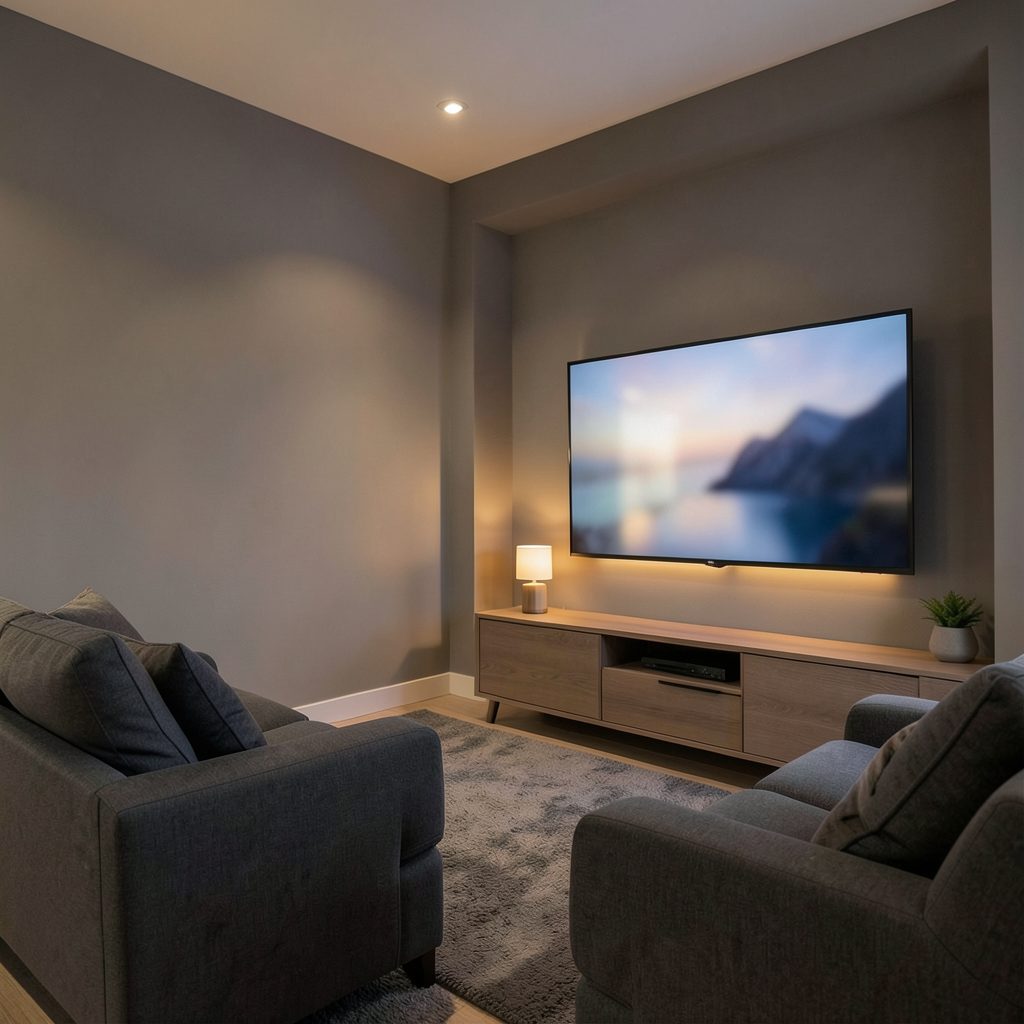
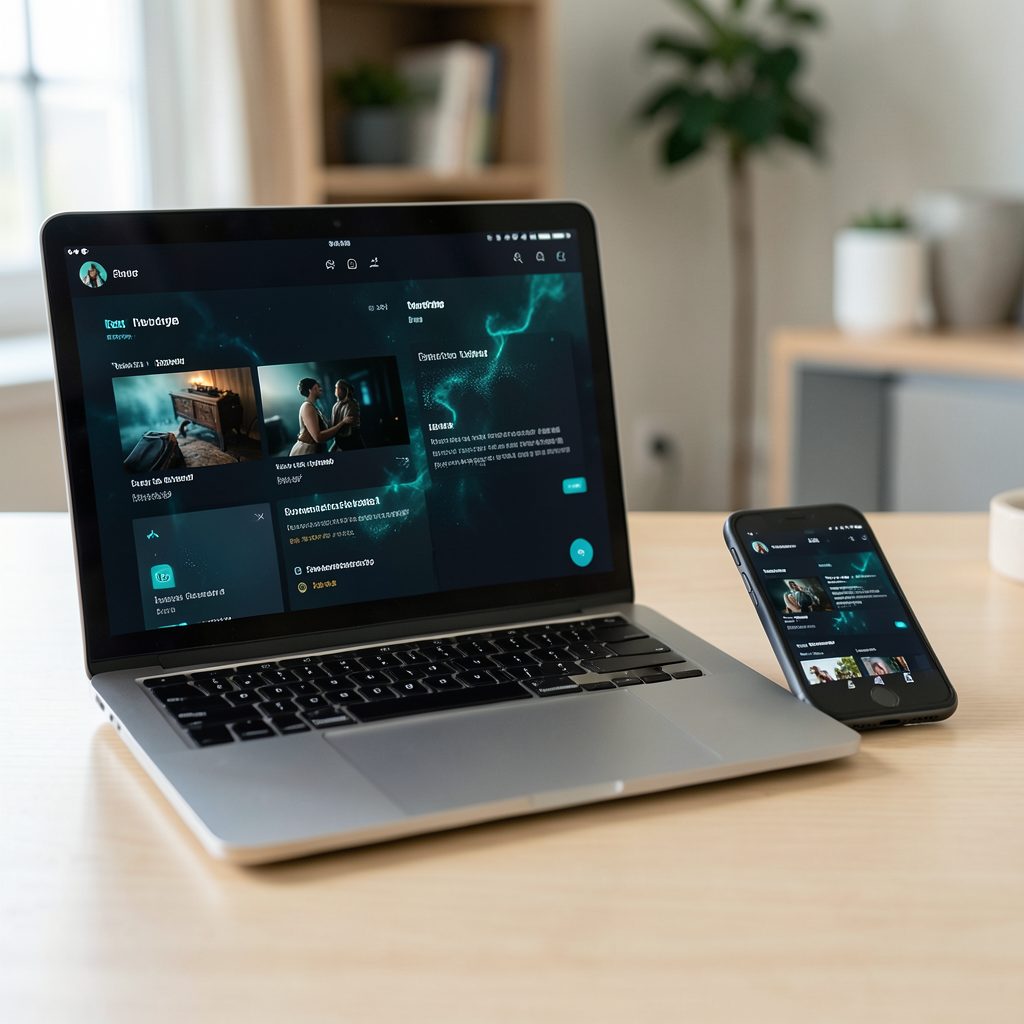
Popcorn Time Night Mode for Late-Night Viewing
Late-night viewing feels easier when Popcorn Time’s interface stops flooding the room with bright white panels. A dark theme, often called Night Mode, Dark Mode, or a low-light appearance option, reduces glare and makes controls easier to find without changing the movie itself. Because menus differ among Popcorn Time forks and older desktop releases, the first step is identifying the version you actually have.
Night mode usually alters the application’s interface rather than the brightness of the streamed picture. If the screen still feels harsh, combine the dark interface with pale subtitle text, lower display brightness, an operating-system night-light filter, or color controls in an external player. Desktop and mobile forks, casting, external playback, and legal considerations all require slightly different handling.
Locating the Night Mode Setting
Open Popcorn Time and select Settings from the gear icon, hamburger menu, or right-click menu on the title bar. Look under General, Appearance, Display, Interface, or Theme for a switch labeled Night Mode, Dark Mode, Dark Theme, or Night Mode. In builds that show a live preview, the menus and search panels change immediately. If the toggle is present but nothing happens, close and reopen the app after saving so it can apply the new palette.
If no such switch appears, do not assume the feature is broken. The original desktop application and community forks use different settings panels, and some builds inherit the operating system’s light or dark appearance instead. Check About or Help to record the version, then consult that fork’s release notes for an appearance option. Avoid downloading a replacement merely to find a theme control; unofficial packages may contain outdated dependencies, unwanted advertising software, or modified binaries. When the app follows system settings, enable dark mode in Windows, macOS, or Linux and restart Popcorn Time.
Separating Interface Darkness From Video Dimming
A dark Popcorn Time interface mainly protects the parts of the screen around the video: menus, search results, settings pages, subtitle panels, and dialogs. It generally does not lower the luminance of the film, change black levels, or remove bright highlights. That distinction matters because a white page surrounding a dark scene can be more distracting than the scene itself, while an overly bright display can still cause eye strain after the interface has been dimmed.
Some builds also let you change subtitle color and text size, which can make captions easier to read against dark or pale scenes. Adjust those controls in Subtitles, Preferences, or the playback panel, and test them with a dim scene rather than a bright daylight shot. Late-night viewing often happens in shared homes rather than isolated theaters, so comfort depends on the room as well as the display; a related cultural essay on [Marseille’s labor memory] examines how shared spaces and everyday routines shape collective experience.
Adjusting Settings for a Dark Room
For a comfortable low-light setup, enable the darkest available interface theme, set subtitles to white or light gray, and reduce the monitor or app-window brightness only enough to keep white text readable. Warmth controls such as Night Shift, Night Light, or Flux can reduce blue light, but they tint the picture and do not substitute for lowering brightness. On an HDR display, switching the system or television to a darker picture mode may preserve shadow detail better than pushing brightness to its minimum.
Audio needs separate attention. Keep the volume moderate, raise dialogue clarity with the source or player, and use headphones if nearby noise makes you strain. A sleep timer can prevent a film from continuing after you fall asleep, although Popcorn Time may not expose one in every fork. If it does, set it slightly longer than the remaining runtime. If the app lacks a timer, use the device’s own sleep timer or power-saving schedule.
External playback offers another route to a softer image. Builds configured to open files in VLC or another player can use that player’s brightness, contrast, gamma, and color controls. Apply adjustments to the video output rather than the whole operating system, then return to the external-player preferences if a later stream does not match. This method also lets you preserve the app’s dark menus without adding a permanent color filter to every application.
Using Night Mode Across Devices
On Windows, macOS, and Linux, Popcorn Time’s dark theme is normally a local display choice. The operating system can still control the screen behind a borderless or full-screen window, so check both the app’s appearance setting and the desktop theme. On macOS, the menu bar and Dock may remain light if the app does not support system-wide dark mode. On Linux, desktop environments vary in whether they apply their palette to Java or Qt-based applications.
Mobile-oriented Popcorn Time forks follow a different pattern. On Android, check Settings, Display, Theme, or the system’s Dark theme option, then restart the app if menus retain their old colors. On iOS, some forks follow the phone’s Appearance setting while others provide their own switch. Mobile forks can also be interrupted by aggressive battery-saving modes, so test playback after changing the theme; closed background work may affect downloads or casting discovery.
Chromecast and AirPlay add another boundary. The dark Popcorn Time interface remains on the sending device, while the television or receiver displays the video with its own picture settings. Adjust brightness, contrast, dynamic range, and subtitle styling on the television, or use the receiver’s ambient or night mode if it has one. Keep the sender app open when required by the fork, use the same local network for casting, and update both the receiver and Popcorn Time build if device discovery is unreliable.
Fixing Missing or Faulty Night Mode
When a Night Mode control is missing, confirm the app version and whether the fork has a separate appearance menu. Updates can relocate settings, while an old preferences file may leave a new toggle ineffective. Restarting once is sensible; clearing all app data is a later step because it can remove subtitle preferences, recent servers, and other configuration. If an update caused the problem, reinstalling the same trusted build and resetting only the theme option is usually less disruptive than starting from a blank profile.
If the interface changes but the picture remains harsh, treat that as two separate settings. Lower the display brightness, disable a strong blue-light filter temporarily to confirm its effect, or open the stream in the configured external player and adjust video colors there. Captions that disappear in dark mode may be set to black, transparent, or a color too close to the background; choose a pale, opaque subtitle color and increase its size slightly if needed.
Persistent dimming, flickering, or stuttering after enabling the option can point to a graphics-driver conflict rather than the theme itself. Update the graphics driver, close competing video applications, and test with hardware acceleration disabled if the fork exposes that control. Casting failures can also leave a black receiver screen even when local playback works; restart the receiver, remove and re-add it, and confirm that both devices share the correct network. Support requests are more useful when they include the Popcorn Time version, operating system, fork name, and whether the issue occurs locally or on the television.
Keeping Viewing Private and Lawful
Before choosing a title, it helps to understand the delivery system. Torrent basics explained describes how pieces of a file are shared, why seeds keep an item available, and why the absence of an initial distributor can slow a download. Popcorn Time makes that machinery visible as a streaming interface, but the technology does not determine whether a particular copy is authorized. Permission, the source, and local law remain separate questions.
Many internet copies of commercial films and television episodes are uploaded without the copyright holder’s permission. Their availability through a torrent client does not make them lawful to download, and legal consequences can vary by country. Use public-domain works, licensed services, or files you own and are permitted to copy. A VPN may encrypt traffic between your device and its provider, yet it does not grant permission to access protected material, does not guarantee anonymity, and can expose your activity to a VPN company that keeps logs.
Privacy also depends on the software around the stream. Prefer maintained forks from a recognizable source, review permission requests, and keep automatic downloads and embedded script execution disabled unless you understand them. The site’s wider cultural coverage includes Marseille’s labor memory, a reflection on communal spaces and everyday life that broadens the idea of where media habits take place. Neither a dark interface nor a private connection changes the content’s licensing status.
Open Popcorn Time now and check the version shown under About before changing anything. Enable the darkest available appearance option, choose readable subtitle colors, and lower brightness at the level that feels comfortable rather than the darkest possible level. Test the combination with a familiar scene, then repeat those choices on your phone or television. A consistent interface, gentle picture settings, and a sensible sleep timer will make late-night viewing calmer while keeping playback predictable.