


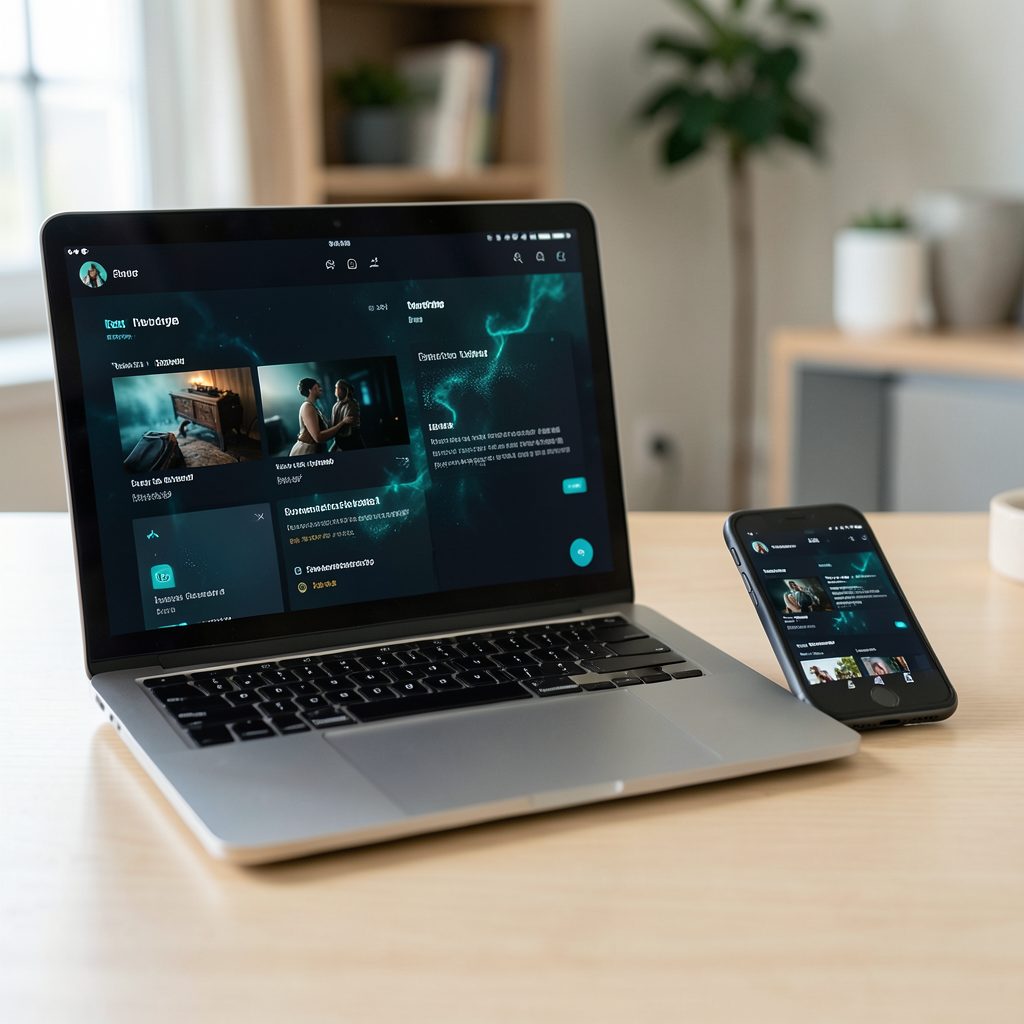
How to Stream Popcorn Time on a PlayStation 5 via the Browser Method
Popcorn Time is commonly associated with torrent-based movie and television streaming, while the PlayStation 5 is designed around approved apps such as Netflix, YouTube, Stan, Binge, Disney+, ABC iview and SBS On Demand. That difference matters because a PS5 does not offer a normal, downloadable web browser app with the same flexibility as a laptop or Android device.
A browser-based approach can still be useful when a legitimate streaming service provides a compatible web player. The PS5 can open selected web pages through its built-in web features, allowing you to test playback without installing an unknown application or modifying the console. This is a limited workaround rather than a full Popcorn Time installation.
Australian viewers also need to consider copyright rules, internet performance and regional catalogue restrictions. A fast NBN connection in Melbourne or Brisbane may handle high-definition video comfortably, while households in regional Queensland, Western Australia or South Australia can experience different evening speeds depending on their provider and local network conditions.
The safest way to approach this setup is to treat Popcorn Time forks as information that requires careful checking, not as guaranteed PS5-compatible software. Confirm whether a service has lawful distribution rights, avoid suspicious downloads, and use official streaming platforms whenever the same film or series is available through the Australian market.
What the browser method actually involves
The browser method does not install Popcorn Time on the PlayStation 5. Instead, it attempts to open a web-based version of a streaming service or a media page through the console’s limited browser environment. If the page loads, playback depends on its video format, scripts, digital rights management and compatibility with the PS5 system software.
Sony does not provide a standard browser icon on the PS5 home screen. Web access is generally available through areas such as the User’s Guide or other system pages that open online content. From there, a compatible page may be opened and navigated with the DualSense controller, although typing addresses and moving through complex menus can be slow.
This distinction is important for Popcorn Time users. Many forks are built as desktop applications or mobile packages rather than browser services. A download page may list Windows, macOS, Android or Linux support without offering a web player for PlayStation. Checking the platform information on a download information page can help clarify what a fork claims to support, but it does not make that software suitable for PS5 installation.
Preparing the PS5 and home network
Before testing any web playback, update the PS5 system software and restart the console. Use a wired Ethernet connection if the console is close to the router. Wi-Fi can work well, particularly on a modern NBN connection, but a busy household streaming sport, gaming online and using video calls at the same time may create buffering.
Open the PS5’s online guide or another available web-enabled system page, then navigate to the address of the lawful streaming service you intend to use. A USB keyboard can make this process considerably easier than entering a long address with the DualSense. Save the page only if the system allows it and the website is trustworthy.
The browser has practical limits. Some pages will display incorrectly, reject console browsers, or repeatedly reload because their scripts are unsupported. Pop-ups, aggressive advertising and requests to install extensions are warning signs. The PS5 cannot safely run desktop browser add-ons, APK files or Windows installers, so those downloads should be closed rather than opened.
Checking whether playback will work
A compatible web player usually has simple controls for play, pause, subtitles, audio selection and full-screen mode. Test a short, legally provided trailer or free programme before committing to a long film. If the video window remains black while sound plays, the page may require digital rights management that the PS5 browser cannot handle.
Picture quality also depends on the stream itself. A page advertising 1080p does not guarantee stable Full HD playback, and torrent-based sources can vary in bitrate, language tracks and subtitle accuracy. Australian users may see additional restrictions because licensing differs between Australia, the United States, Brazil and other markets.
For example, a catalogue reference aimed at another country may list films that are unavailable through Australian services. A Brazilian streaming guide can be useful for understanding how regional catalogues differ, but its availability information should not be treated as confirmation that a title can legally be viewed from Australia.
Troubleshooting common PS5 browser problems
If a page does not open, first check the address, restart the PS5 and test another reputable website. Clearing browser data may help when an old login session or damaged cookie prevents a player from loading. A router restart can also resolve temporary DNS or connection problems, particularly after an NBN outage or provider maintenance.
When playback stutters, lower the video quality if the player provides that option. Pause other large downloads, move the console closer to the router, or switch to Ethernet. Avoid repeatedly refreshing a torrent-based page because every refresh can trigger new advertising scripts, redirects or untrusted downloads.
Subtitles and audio controls can be especially awkward with the controller. If a page requires a hover action, keyboard shortcut or browser extension, it may be unsuitable for PS5. Do not enter payment details, email passwords or personal information into a page that lacks clear ownership, secure connection indicators and a credible privacy policy.
Legal and security considerations in Australia
Australian copyright law generally protects films and television programmes, and permission is normally required to communicate or reproduce copyrighted material. A VPN can encrypt traffic and improve privacy on public Wi-Fi, but it does not turn unauthorised streaming or downloading into lawful activity. It also cannot guarantee access to a region-locked service.
Torrent-based applications can expose users to misleading files, malicious advertising and fake updates. A page that claims a PS5 browser needs a special codec, “unlock tool” or sideloaded package should be treated with suspicion. The PS5 is not designed for installing arbitrary desktop software, and attempting to bypass its security can risk the console and account.
Legal alternatives are widely available in the Australian market. Netflix, Stan, Binge, Prime Video, Disney+, Paramount+, Kayo, ABC iview and SBS On Demand cover different genres and release windows. Free services are particularly useful for households in Sydney, Perth or Adelaide that want to avoid adding another monthly subscription.
Better ways to watch on a larger screen
If the desired Popcorn Time fork has no reliable browser player, using a supported device is usually more practical than forcing the PS5 to handle it. A laptop connected to the television through HDMI offers broader browser compatibility, while an Android TV device may support an official application when one exists and is distributed lawfully.
Chromecast and AirPlay can be convenient for legitimate web video, although the PS5 itself is not a universal Chromecast or AirPlay receiver. A television with built-in casting support, an Apple TV, or a compatible streaming stick may provide smoother playback. Check that the phone, computer and receiving device are on the same home network.
For a straightforward Australian living-room setup, consider these steps:
- Prefer a licensed PS5 entertainment app when the title is available through it.
- Use Ethernet or a stable 5 GHz Wi-Fi connection for high-definition playback.
- Test a short lawful video before attempting a full-length stream.
- Keep the PS5 system software, router firmware and streaming apps updated.
- Close pages requesting unknown downloads, extensions, passwords or payment details.
A browser-based route can be useful for testing legitimate web video, but it is rarely the best long-term way to use Popcorn Time-style services on a PlayStation 5. The console’s limited browser, regional licensing and security restrictions make a direct app install unlikely, while official Australian streaming platforms generally provide better stability, subtitles, support and account protection.
Use the PS5 browser only with reputable, authorised services, verify the rights behind the content, and switch to a supported app or connected device when the page fails. That approach keeps movie nights in Melbourne, Brisbane, Sydney and elsewhere in Australia more reliable while reducing the risk associated with questionable torrent links and unofficial installers.