

Popcorn Time for iOS – iPad, iPhone and iPod
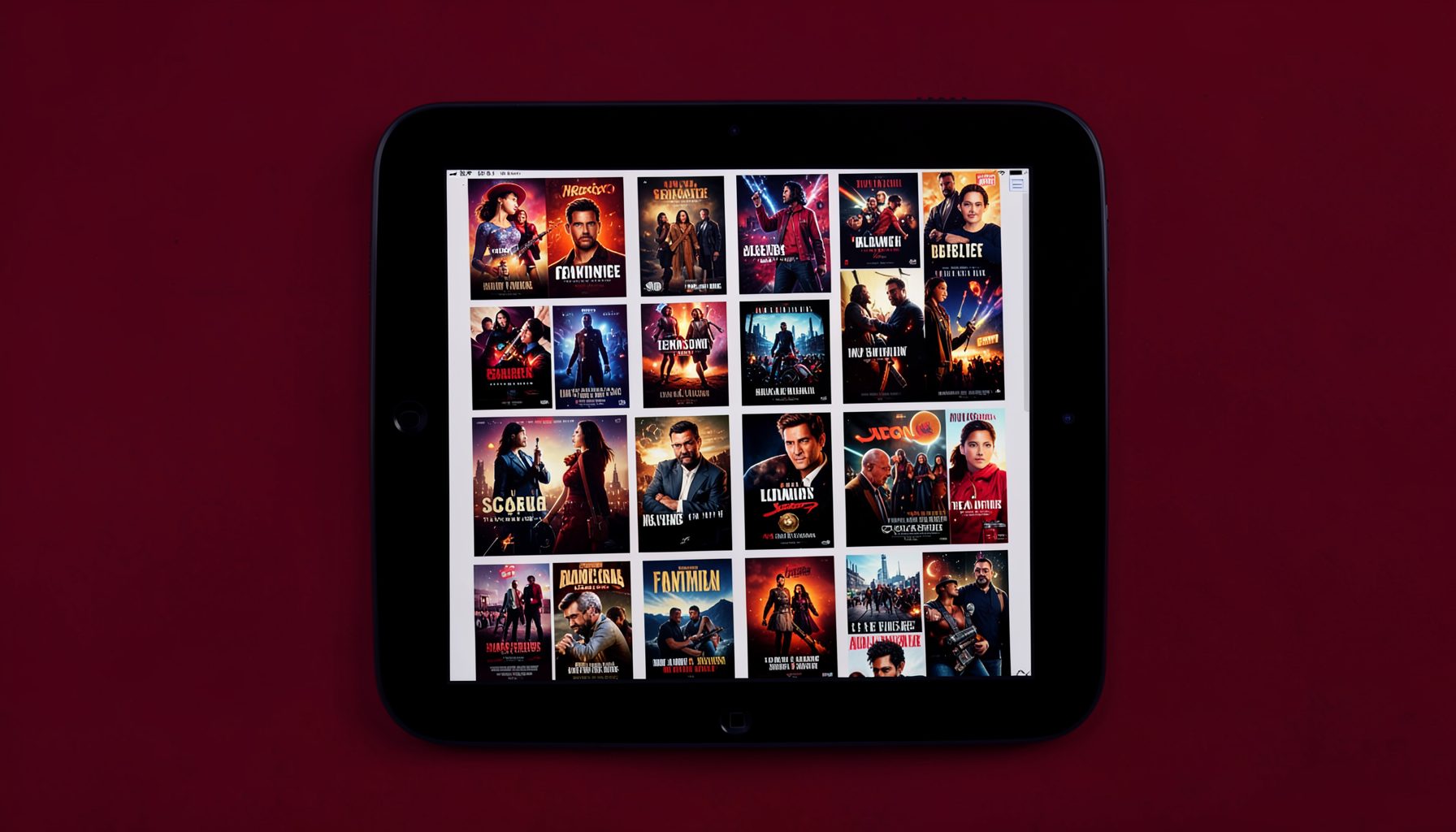
Popcorn Time for iOS brings free movie and TV show streaming to your Apple mobile devices. You won't find it in the App Store, but there are two reliable ways to get it installed — with or without jailbreaking.
Install Popcorn Time with iOS Installer
The iOS Installer method lets you install Popcorn Time on your iPad or iPhone without jailbreaking. This is the simplest approach for most users. You'll need the latest version of iTunes installed on your computer before you begin.
Once iTunes is up to date, visit the iOS Installer tool and follow the on-screen steps to load Popcorn Time onto your device. The process handles the technical details so you can get streaming quickly.
Install Popcorn Time with Cydia
If your device is jailbroken, you can install Popcorn Time through Cydia, the alternative app store for jailbroken iOS devices. This method requires adding the appropriate repository in Cydia — follow this guide for step-by-step instructions on adding a repo.
Once the repo is added, search for Popcorn Time within Cydia and install it like any other package. The app will appear on your home screen ready to use.
Jailbreaking Guide for iOS 8 – iOS 8.1
If you're running iOS 8 through iOS 8.1 and want to jailbreak, the Pangu tool is the recommended option. Jailbreaking opens up your device to apps and tweaks not available through the App Store, including Popcorn Time via Cydia.
Before jailbreaking, review Apple's official guide on device management so you understand the implications. Always back up your device first. For detailed jailbreaking walkthroughs, consult dedicated jailbreak resources.