
Watch Popcorn Time with Apple TV and AirPlay
Use your Apple TV as an AirPlay receiver to watch Popcorn Time on your flatscreen. Here's how it works.
What's an Apple TV?
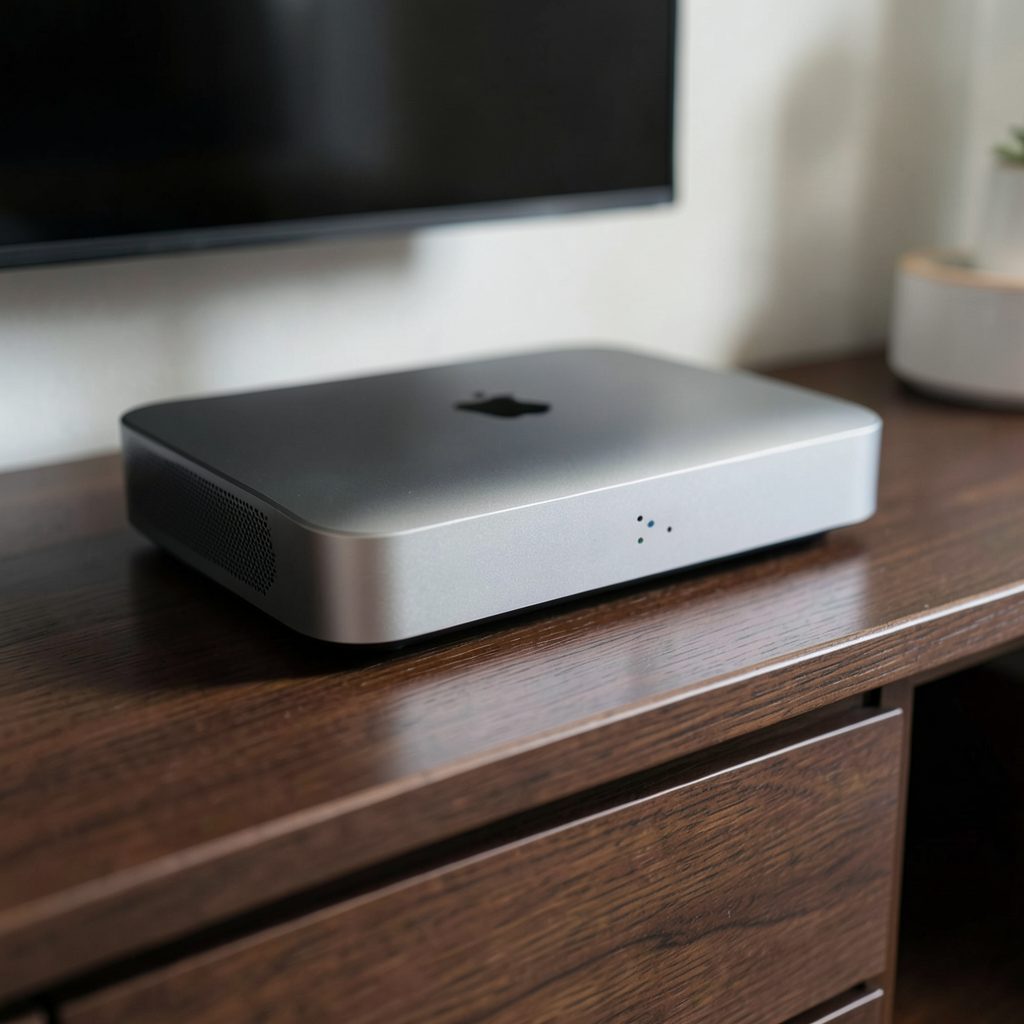
Apple TV is a small digital media player and microconsole developed by Apple. It connects to your television via HDMI and streams content from services like Netflix, Hulu, and iTunes — as well as from your own Mac or iOS devices using AirPlay. You can learn more about its current capabilities here.
While there is no native Popcorn Time app for Apple TV, the device can still serve as the bridge between Popcorn Time on your computer or iPhone and your big screen.
Watching Popcorn Time with Apple TV and AirPlay
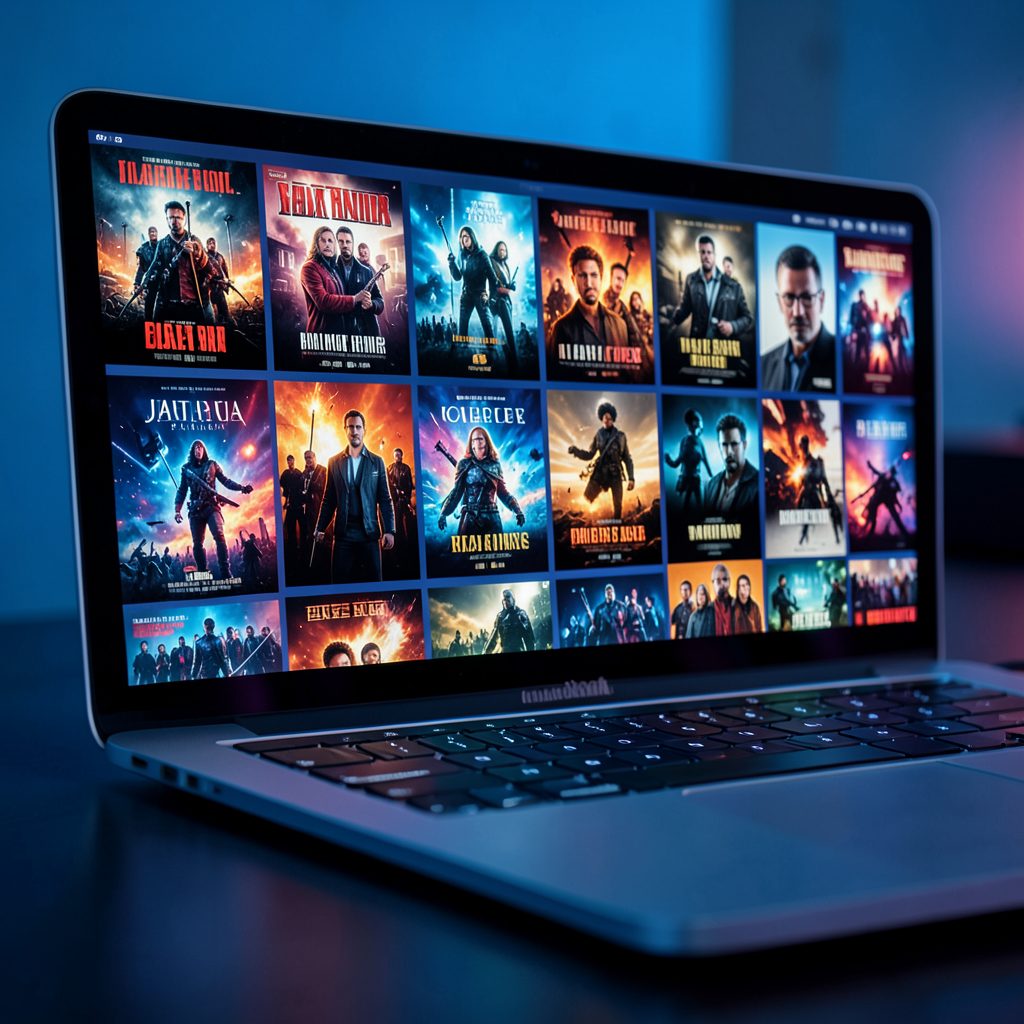
Popcorn Time for desktop (Mac) and iOS includes built-in AirPlay support. Here's the basic workflow:
- Make sure your Apple TV and your Mac or iOS device are connected to the same Wi‑Fi network.
- Open Popcorn Time on your Mac or iOS device and start playing any movie or TV episode.
- Look for the AirPlay icon in the playback controls — tap or click it.
- Select your Apple TV from the list of available receivers.
- The video will begin playing on your television through the Apple TV.
This approach turns your Apple TV into a wireless receiver, so you get the full Popcorn Time library on the largest screen in your home without needing a dedicated Apple TV app.
Apple TV Alternatives
Apple TV isn't the only way to get Popcorn Time onto your television. Other options include:
- Chromecast — Popcorn Time supports Google Cast, letting you beam content from the desktop or Android app to any Chromecast-connected TV.
- Android TV — A native Popcorn Time app is available for Android TV devices, offering a direct on-screen experience without casting.
- HDMI cable — A simple wired connection from your laptop to your TV always works as a fallback.
Each method has its own setup steps, but all achieve the same goal: Popcorn Time on the big screen.
Getting Popcorn Time on Your Devices
To use AirPlay with Apple TV, you'll first need Popcorn Time installed on a compatible device:
- Mac — Download the desktop version of Popcorn Time for macOS. AirPlay is built into the player.
- iOS (iPad & iPhone) — Popcorn Time for iOS is not in the App Store. You'll need to install it using the iOS Installer tool or via Cydia on a jailbroken device. See the iOS guide for step-by-step instructions.
Once installed, the AirPlay feature works the same way across both platforms.